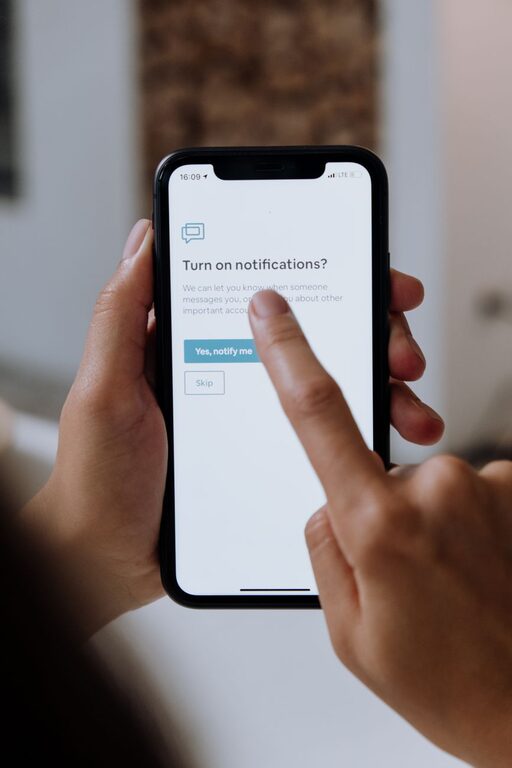
In today’s digital world, notifications pop up on our devices constantly—from emails and social media alerts to app updates and messages. While these alerts keep us connected and informed, they can also disrupt our focus and increase stress levels. Setting clear boundaries with notifications is essential to maintain productivity and protect your mental well-being.
In this post, we’ll explore practical tips for managing and customizing your notifications so you can take control of your time and attention.
Why Setting Boundaries with Notifications Matters
Notifications are designed to grab your attention, often causing frequent interruptions throughout the day. These interruptions make it harder to concentrate, slow down your work, and lead to multitasking, which can reduce productivity. Over time, constant alerts may also increase feelings of anxiety or overwhelm.
By setting boundaries, you decide when and how you engage with your devices, allowing you to work more efficiently and enjoy moments without digital distractions.
Tips for Managing Notifications Effectively
1. Audit Your Notifications Regularly
Start by reviewing the apps and services that send you notifications. Ask yourself:
– Which notifications are truly important?
– Which ones can I live without?
– Are there alerts I can check on my own schedule?
Go through your phone, tablet, and computer settings to see what notifications you have enabled. Disabling unnecessary alerts can instantly reduce distractions.
2. Customize Notification Settings
Most devices allow you to customize notifications for each app. Consider:
– Turning off sounds or badges for less important apps
– Enabling “silent” or “banner only” alerts instead of pop-ups
– Setting priority notifications for urgent apps like messaging or calendar reminders
This tailored approach helps you stay informed without feeling overwhelmed by constant pings.
3. Use Do Not Disturb Modes Strategically
Do Not Disturb (DND) modes are powerful tools to block notifications during focused time or rest periods. You can:
– Schedule DND during work hours, meetings, or sleep
– Allow calls or messages from specific contacts while silencing others
– Enable DND automatically during calendar events
By using DND thoughtfully, you create uninterrupted time blocks and improve concentration.
4. Set Specific Times to Check Notifications
Instead of reacting to every alert instantly, designate certain times of the day to check messages, email, and social media. For example:
– Checking email only in the morning and late afternoon
– Reviewing social media after work or during breaks
Batching your notification checks prevents constant disruptions and helps you focus on the task at hand.
5. Use Notification Summary Features
Some devices offer a notification summary, which groups non-urgent notifications and delivers them at scheduled times. This way, you can avoid distraction while still staying updated throughout the day.
6. Communicate Your Boundaries to Others
Let friends, family, and coworkers know about your notification preferences. For example, you might:
– Tell colleagues you won’t respond to non-urgent messages immediately
– Encourage family members to use calls for urgent matters during focused work periods
Clear communication helps manage others’ expectations and supports your boundaries.
7. Leverage Technology Tools
Various apps and tools can help manage notifications, such as:
– Focus apps that block distracting alerts during work sessions
– Email clients that allow you to mute threads or schedule deliveries
– Social media apps with built-in quiet modes
Explore these tools to complement your notification strategy.
8. Practice Mindfulness When Using Devices
Being mindful means paying attention to how notifications affect your mood and productivity. Notice when alerts become overwhelming or distracting and adjust your settings accordingly.
9. Review and Adjust Regularly
Technology and communication needs change over time. Regularly revisit your notification settings and boundaries to make sure they still serve your goals and lifestyle.
Benefits of Healthy Notification Boundaries
By managing notifications thoughtfully, you can:
– Improve focus and work quality
– Reduce stress and digital burnout
– Gain more uninterrupted time for meaningful activities
– Enhance your work-life balance
Creating these habits leads to a more mindful and productive relationship with technology.
Conclusion
Notifications are a helpful tool but can become a source of distraction if left unmanaged. Setting clear boundaries by auditing, customizing, and scheduling alerts empower you to stay focused, reduce stress, and maintain control over your digital life.
Start small by adjusting a few settings today and notice how your productivity and well-being improve over time.
—
Remember, healthy digital habits contribute to a better balance between connectivity and personal focus. Take charge of your notifications—it’s a key step toward a more focused and fulfilling daily routine.
About the Author